Technology Blog Posts

I recently attended an NDIS information session on the upcoming PACE system, set to launch later this year. However, if you're viewing this beyond mid August 2023, please note that details might have changed. For now, let me share the key highlights!
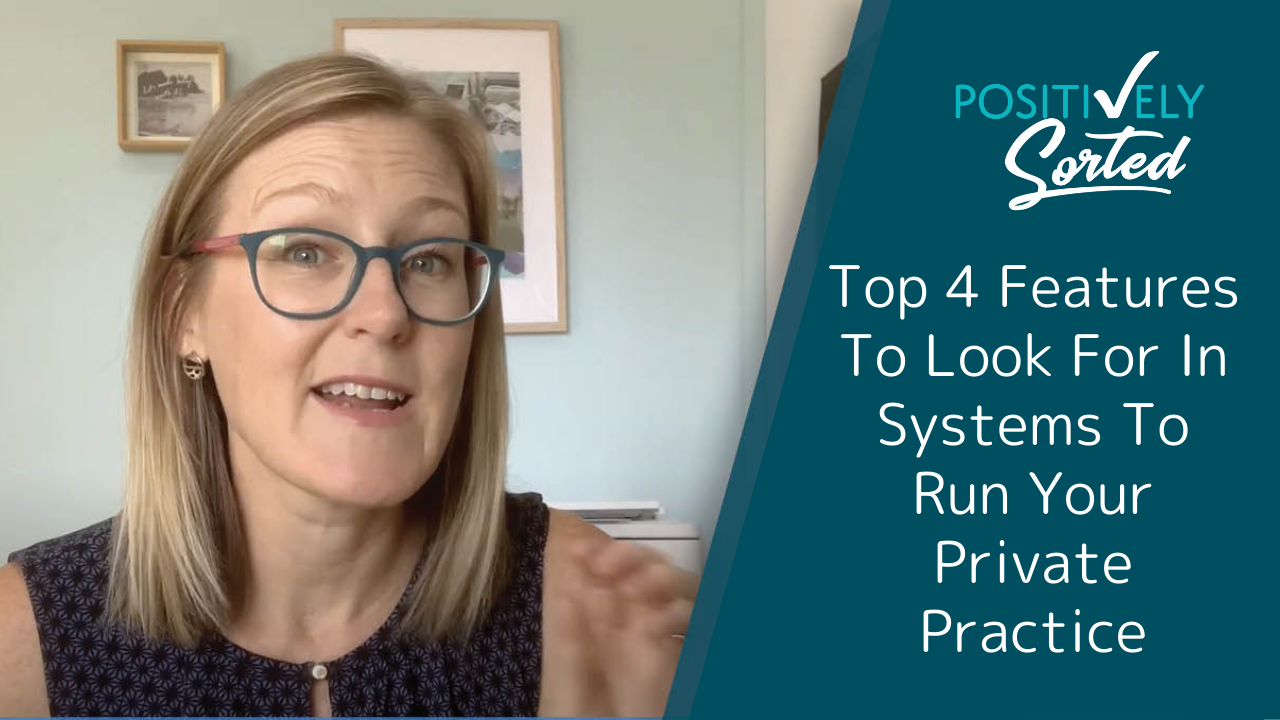
Whether you are just starting out or an established private practice NDIS, it is important to have systems in place that suit your current business requirements, yet also put you in a good position for future growth. In this video, I cover the top 4 features to look for when choosing your systems with which to run your business, that will ensure you can hit the ground running and scale upwards when ready.

Do you get the whiteboard markers out? Or post-it notes? Giant notepads? Using visuals is a fantastic way to get your ideas out of your head and into an easily communicated format. However with most things going online and many teams now working remotely, this isn't always easy or even possible. That’s where tools like Miro can help. Learn more.

The search for a virtual assistant can feel like a mammoth task in itself. I’ve put together a video sharing resources I found helpful when I began my search for a VA. These tips and resources will help speed up your search and ensure that you are searching for the right attributes in a VA to suit your business needs. Check out my latest video and hit the ground running with your VA search!

How do you choose which online project management tool will be best for you and your business? In this video, learn the pros and cons of the most popular project management tools, and the important questions to ask yourself before you dive in to ensure you choose the project management tool that meets your business needs.

Time tracking apps are a fantastic way to keep track of how many hours you and your employees spend on your various clients or projects. There are many time tracking apps out there so it can be difficult to know which one is right for you and your business needs. I’ve put together my honest review on the time trackers I have use and cover the pros and cons of each, as well as which one works best for my business and why.

Learn how to use Gmail’s new email signature feature to create professional, quick, easy email signatures that are sure to impress in no time. Watch the video to learn how.

A simple, effective way to look professional in your business is with an email signature. In this video I'll show you how to set up your email signature in Gmail using Gmail templates (previously called canned responses) so that looking professional in your emails is quick, simple and also time-saving!

Looking for an online form builder? In this video I share with you my favourite online form builder, Paperform. I share an overview of the app and how you can use Paperform to create beautiful, functional forms that keep your business looking professional while saving you valuable time!

Communication is key to successful delegation. Clear communication saves precious time in your business and ensures all involved in a project are confident with what is required from them. Discover my secret tool to effective communication when delegating.

This is Step 4 of 7.
Now we can get into the nitty gritty of managing your actual time!
The first step in this section of the course is to set up your Calendar. This is a specific home for storing information that relates to a particular date and time.

Today is about setting up a home for all that information that we're bombarded with, but not sure where to keep. Go back to your "TO FILE" tray, and chances are there are items in there like this. You might also have articles or blog posts that you want to read later, how do you keep track of them? And what about that measurement that you need to take to the hardware store?
The best storage and organisation solution for all this and more is a tool called Evernote.

This is the second of 7 Steps to Save Time and be free from Overwhelm.
We'll tackle the dreaded PASSWORD. This is one of my favourite tips to share as almost everyone finds it SUPER useful. (Unless they are already using this or something similar)
Let's dive in.

I found this app called Stocard that let’s you store all your loyalty and membership cards digitally and declutter your purse! In this video I show you how easy it is to use it.

Organising a meeting with few different people can be a nightmare!
Specifying a date and time can be tough when everyone's calendar has to be checked and considered. Fortunately, there are a few scheduling apps out there that can help you organize your meeting without spending so much time and energy.

It's hardly surprising that I would call it a VITAL tool for getting organised. But maybe it's time for a refresher on why we even want to get organised and how an app like Evernote can help you get there...

I don't know about you but I LOVE finding out about apps that can make my life easier. I do alot of work on my phone these days. Trying to sneak in little bursts of productivity, between chasing around my toddler and otherwise keeping life moving.
So to share and inspire you, today I'm sharing my 5 favourite apps for getting things done on the go.

From those who aren't familiar, I often get asked, what does Evernote do? A lot of people have heard of it, or maybe even downloaded it but haven't really put it to use yet. And I know when I first discovered the app (pre-installed on a laptop I bought in 2009!) I thought "hmm this looks interesting and useful but what should I use it for?"
It's one of those tools that is such a blank canvas and so flexible that it can sometimes bring on a case of writers block!
So let's look at just some of the ways I have seen Evernote used and how I use it myself for my business.
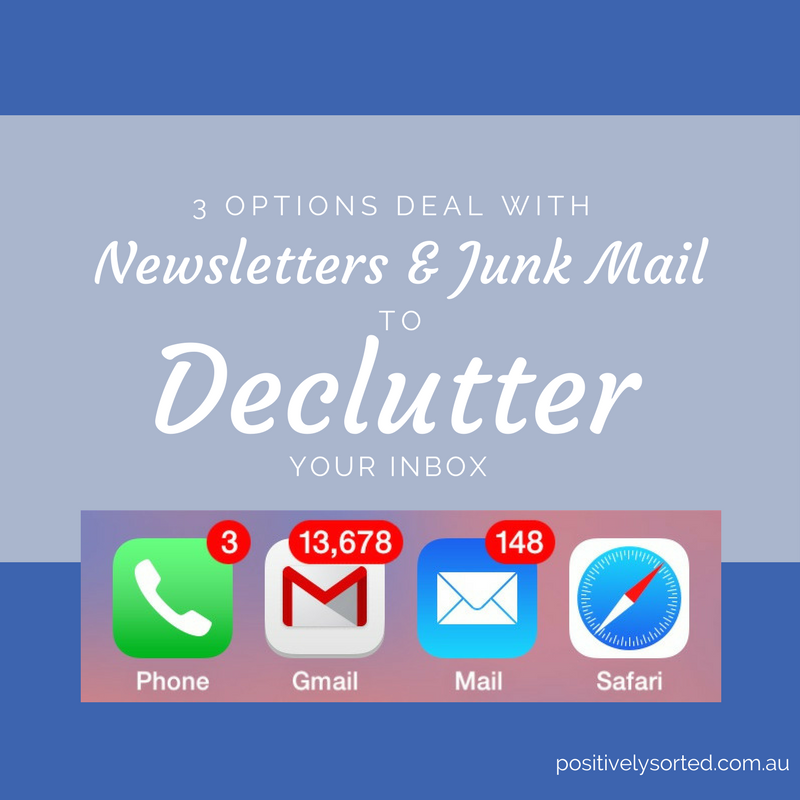
Most people receive more emails each day than they'd like. And we all know that an overflowing inbox can cause stress and overwhelm. It can make it hard to find the important emails that you need to respond to. So the first simple thing you can do to reduce some of that email clutter is to get rid of the newsletters and junk mail! Watch the video or read the steps below.

If you're dreading getting ready for your accountant, then it's extra reason to check out the tips I have for you today.
The new financial year is a great chance to review your P&L for the year gone and plan how you'll get a jump on the new one. But I also want to remind you to make a fresh start of your filing. So you can cruise through the next 12 months knowing exactly where to put anything tax related. AND you can feel super clever and calm when it comes to tax time next year.

If your computer is getting slow, one of the reasons could be that your hard drive is getting full. Things that take up the most space can be photos, videos, music or software programs.
Getting rid of Software that you're not using is an easy way to free up a chunk of hard drive space if you know your hard drive is getting full. It's also great if you're sick of your desktop screen and start menu being cluttered with icons for programs that you never use.

I'm on the road alot more than I used to be. Sometimes on a long and familiar drive is when your mind can wander. Ideas, reminders, emails and texts can be handled on the go using your voice. Here's how I use it

One of the key ways to get your life organised is to be in control of your time. Whether it's making plans with friends, important business meetings or your next hair appointment, it's just so comforting being able to look ahead, make sure you're available and know that you won't forget when that date comes around.

This is the time of year when a lot of us are about to take some time off work to spend with family for Christmas. Whether you are self employed or work for someone else, there are a few things you can do to prepare for time off to so you can relax properly, not let anyone down and not be even more stressed when you get back to work.

I love how I can add a note or pic for future reference in Evernote no matter what device I am using or where I am.
The problem with this is, even if your notes are fairly well organised in notebooks or with tags, you can forget to go back and look at these great ideas and then what's the point of having them?
I am a constant student of productivity and time management. I'm always reading and looking for ways to be more efficient and keep on top of what I need to get done.
Here are some articles I've been reading lately that have some more great tips on keeping and prioritising your todos.

With smartphones so popular, there are literally hundreds of apps available to keep track of lists, tasks and appointments. And because you always have your phone with you, it's perfect for capturing notes or to-dos when you think of them, and to always be able to access your to-do list when you are ready to tackle it.


Feeling overwhelmed by NDIS compliance? This guide breaks down Quality Management Systems (QMS) into simple, actionable steps tailored for small NDIS providers. Learn how to get organised, avoid common mistakes, and build a QMS that works for you. Read more and take the stress out of compliance today!